Create the password first. Do not try to log into the app before this is done.Open support
Go High Level setup · Phone
Step 3: Create your password
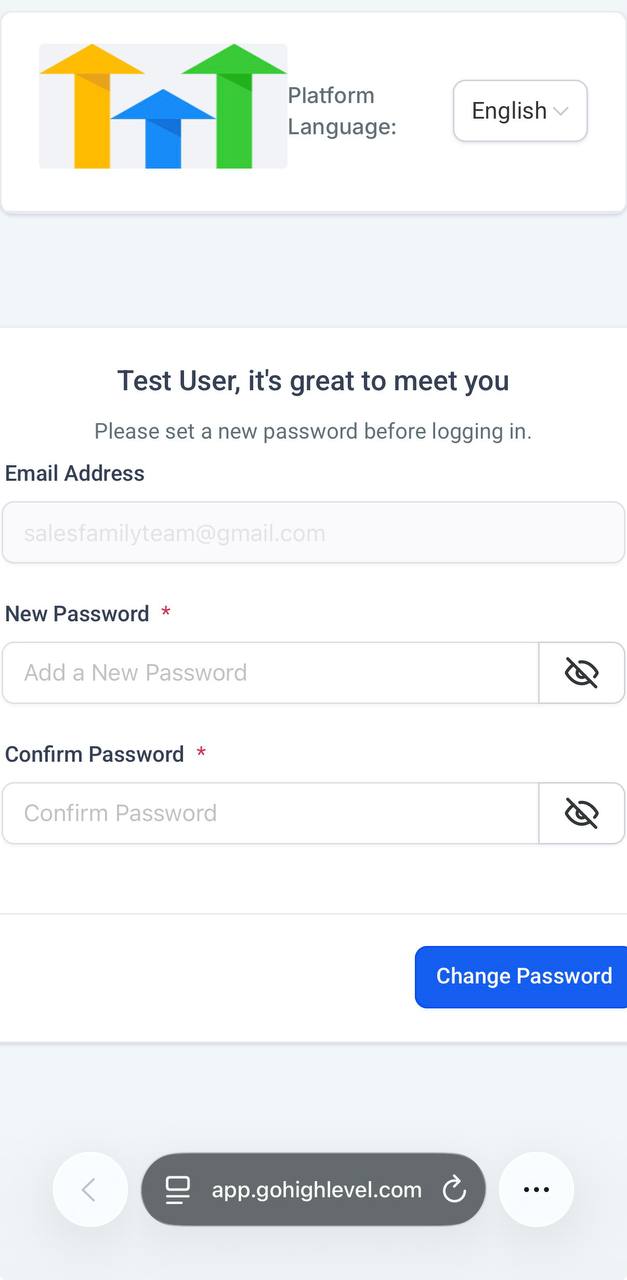
After you tap the email button, you should land on the password setup page. Create your password there first.
Password creation page
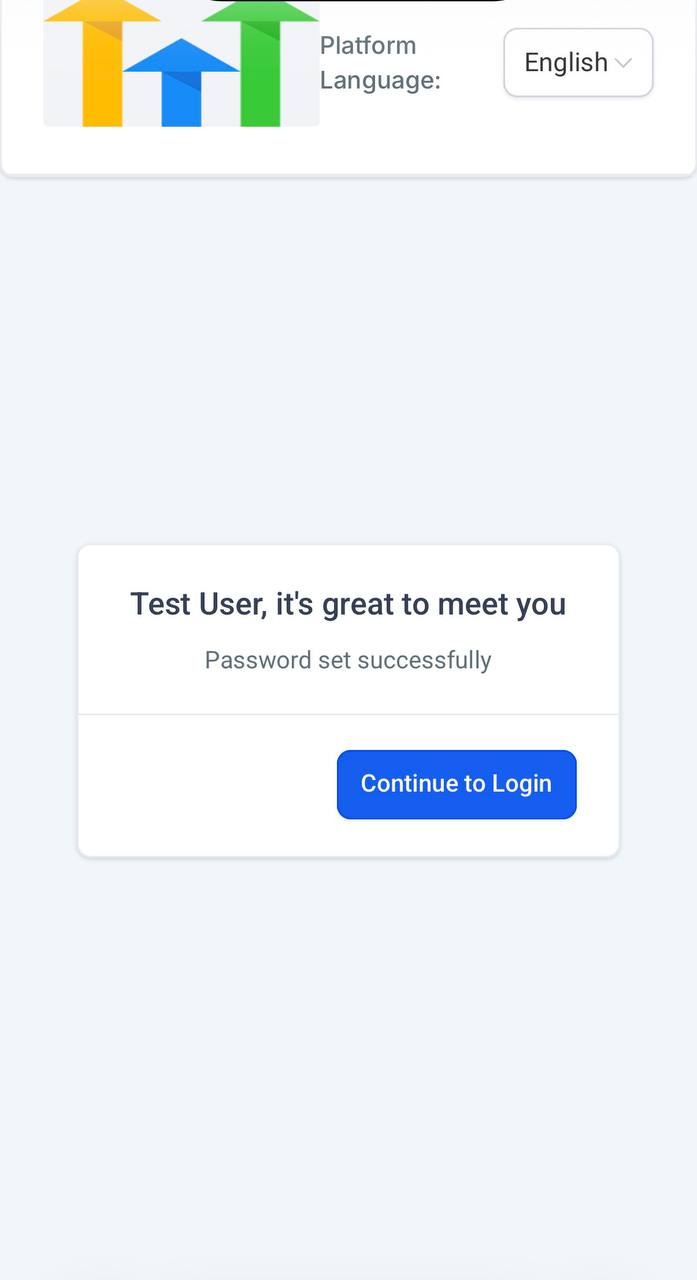
What it should look like after password is set
Do this exactly
- Enter a new password.
- Confirm that password.
- Tap Change Password.
- When you see Password set successfully, tap Continue to Login.