Use the password you just created. Then after this, you will open the GHL app and log in there too.Open support
Go High Level setup · Phone
Step 4: Log in on the web screen
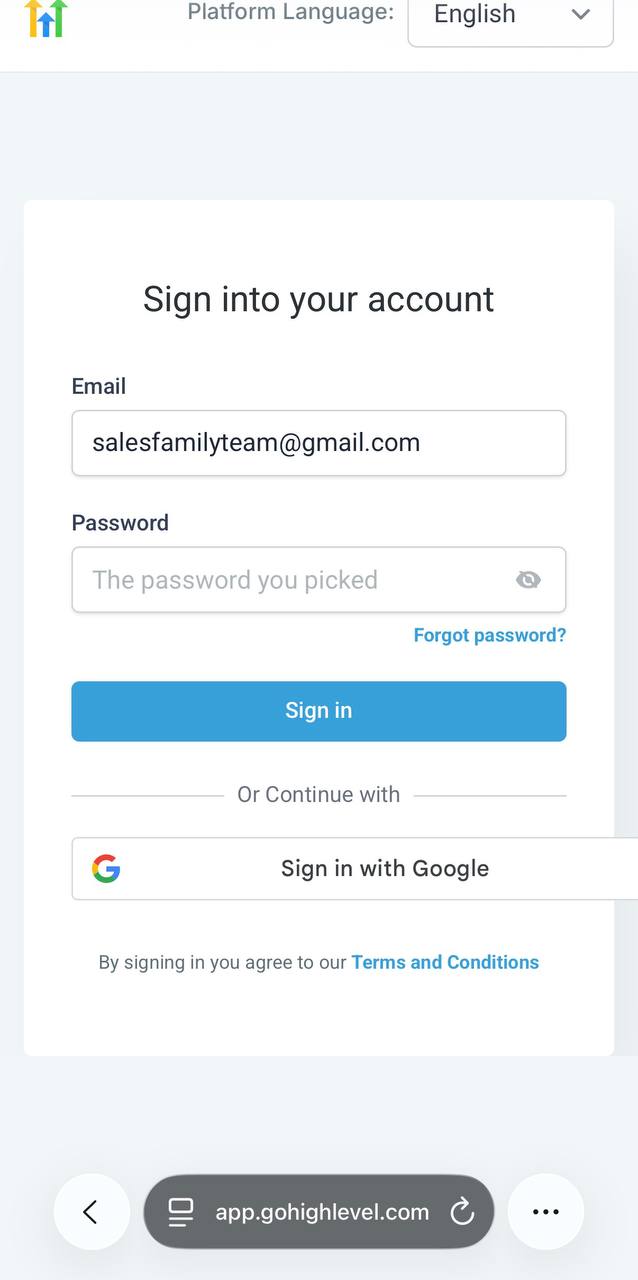
After password setup, you should land on this login page. Log in there first using your email and the password you just made.
What the login page should look like
Do this exactly
- Use the same email you used to sign up for Salesfamily.
- Type the password you just created.
- Tap Sign in.
- After that, open the GHL app on your phone and log in there too.